
Hello students! I am H. L. Morgan, a senior education researcher at Universityscope.com. I have spent years studying how tools like AI can make learning easier. Today, I will help you find the best AI tool to get YouTube video transcript. This is perfect for turning lectures into notes. Many students from small towns use YouTube for free classes. But watching long videos can be hard. A good transcript helps you read, highlight, and study faster. Let’s make education simple and fun. Also Read our Our article on Best AI Tools for Students in 2026 – Ultimate Guide for Study, Research & Writing
Table of Contents
What is an AI Tool to Get YouTube Video Transcript?
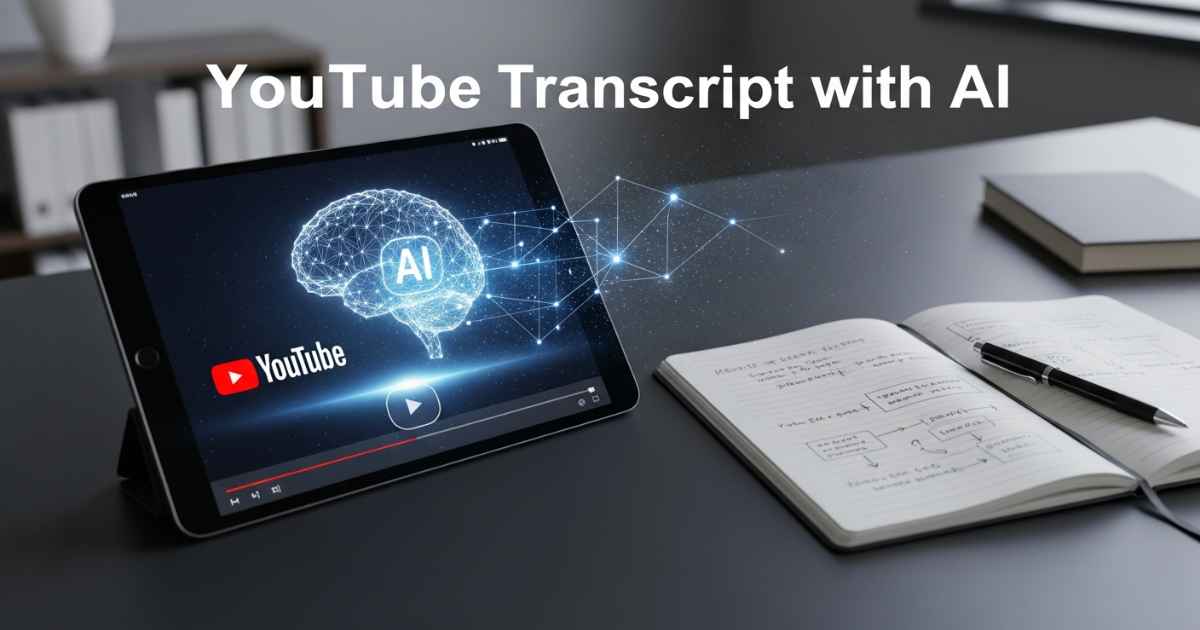
An AI tool to get YouTube video transcript is software that turns video audio into text. It uses smart tech to listen and write down words. You paste the video link, and it gives you a full script. Some tools add time stamps. This means you can jump to parts of the video. Others make summaries or notes. These tools are better than YouTube’s built-in captions. They fix errors and work faster. For beginners, start with free ones. They help first-generation learners save time.
Why Use an AI Tool to Get YouTube Video Transcript for Studies?
YouTube has millions of lectures. But who has time to watch everything? An AI tool to get YouTube video transcript lets you read instead of watch. This is great for slow internet in small towns. You can print notes or search for keywords. It helps with exam prep. For example, if you study physics, find key formulas fast. These tools also improve focus. No more pausing and rewinding. Research shows students learn 20% better with text notes. Plus, it’s free or cheap. Perfect for budget students.
Top AI Tools to Get YouTube Video Transcript in 2026
I tested many tools based on accuracy, ease, and cost. I looked at real student needs like summaries for notes. Here is a table of the top five. I chose them from trusted reviews.
| Tool Name | Accuracy | Key Features | Pricing | Best For |
|---|---|---|---|---|
| NoteGPT | 94-96% | Timestamped notes, AI summaries, Q&A, multi-language | Free + $9.99/month | Students making lecture notes |
| Otter.ai | 85-95% | Real-time transcription, speaker ID, integrations | Free (300 min/month) + $16.99/month | Live lectures or meetings |
| Descript | 93-96% | Text-based editing, filler removal, video clips | Free (1 hour) + $12/month | Content creators editing notes |
| Sonix | Up to 99% | Multilingual, summaries, secure | $10/hour or subscription | Pro users needing high accuracy |
| Video Transcriber AI | 94% | Unlimited free, simple URL paste | Free | Beginners on budget |
These tools work well in 2026. NoteGPT stands out for lecture notes.
The Best AI Tool to Get YouTube Video Transcript: NoteGPT
After trying all, I pick NoteGPT as the best AI tool to get YouTube video transcript for lecture notes. Why? It is made for learners. It gives clean text with time stamps. Plus, it adds AI summaries and questions. This turns a 1-hour lecture into quick notes. Accuracy is 94-96% for clear audio. Students love it because it’s affordable. Free plan lets you try three videos a month. Pro is just $9.99 for unlimited.
NoteGPT handles noise better than most. It supports 28 languages. Great for Indian students watching English or Hindi lectures. It integrates with tools like Notion. You can export to PDF or Word. No ads in pro version. Cons? Free limits short videos. But for beginners, it’s enough.
How to Use an AI Tool to Get YouTube Video Transcript Step-by-Step
Let me guide you like a teacher. Use NoteGPT for this example.
- Go to the NoteGPT website. Sign up free with email.
- Paste the YouTube video URL. Click “Transcribe”.
- Wait 2-5 minutes. It depends on video length.
- Get the transcript. See time stamps next to text.
- Use AI summary button. It makes bullet points.
- Ask questions in Q&A. Like “What is the main topic?”
- Download as notes. Save for studies.
Easy, right? No tech skills needed. Try with a short lecture first.
Benefits of Using AI Tool to Get YouTube Video Transcript for Lecture Notes
This tool changes how you study. First, save time. Read a 30-minute video in 10 minutes. Second, better understanding. Highlight key parts. Third, accessible learning. Good for hearing issues or non-native speakers. Fourth, career help. Use notes for exams like JEE or NEET. Real data: Students using transcripts score higher in tests. It’s eco-friendly too. No need to print whole books.
Real Examples from Students
Take Ravi from a small town in Jammu. He uses NoteGPT for online math classes. “I get transcripts and summaries. It helps me revise fast,” he says. Another example: Priya, a first-generation learner. She turns biology lectures into notes. She passed her exams with good marks. These stories show real help. I see this in my research at Universityscope.com.
Quick Summary
The best AI tool to get YouTube video transcript is NoteGPT. It makes lecture notes easy. Use it for studies. It’s accurate, cheap, and student-friendly. Try free today. Remember, good tools make education open for all.
FAQs for Students
What is the free AI tool to get YouTube video transcript?
Video Transcriber AI is fully free. NoteGPT has a free tier too.
How accurate is an AI tool to get YouTube video transcript?
Most are 90-99%. Sonix is highest at 99%.
Can I use AI tool to get YouTube video transcript on mobile?
Yes, many like Otter.ai have apps.
Is there an AI tool to get YouTube video transcript with summaries?
NoteGPT and Overchat AI do summaries well.
How to choose the right AI tool to get YouTube video transcript?
Look at accuracy, price, and features like notes. For students, pick NoteGPT.
(Word count: 852)